.svg)


Time and attendance hours captured, not self-reported
Hours are captured automatically as work happens. Anything added by hand routes to a named approver first, and every entry lands in a record no one can quietly edit later.


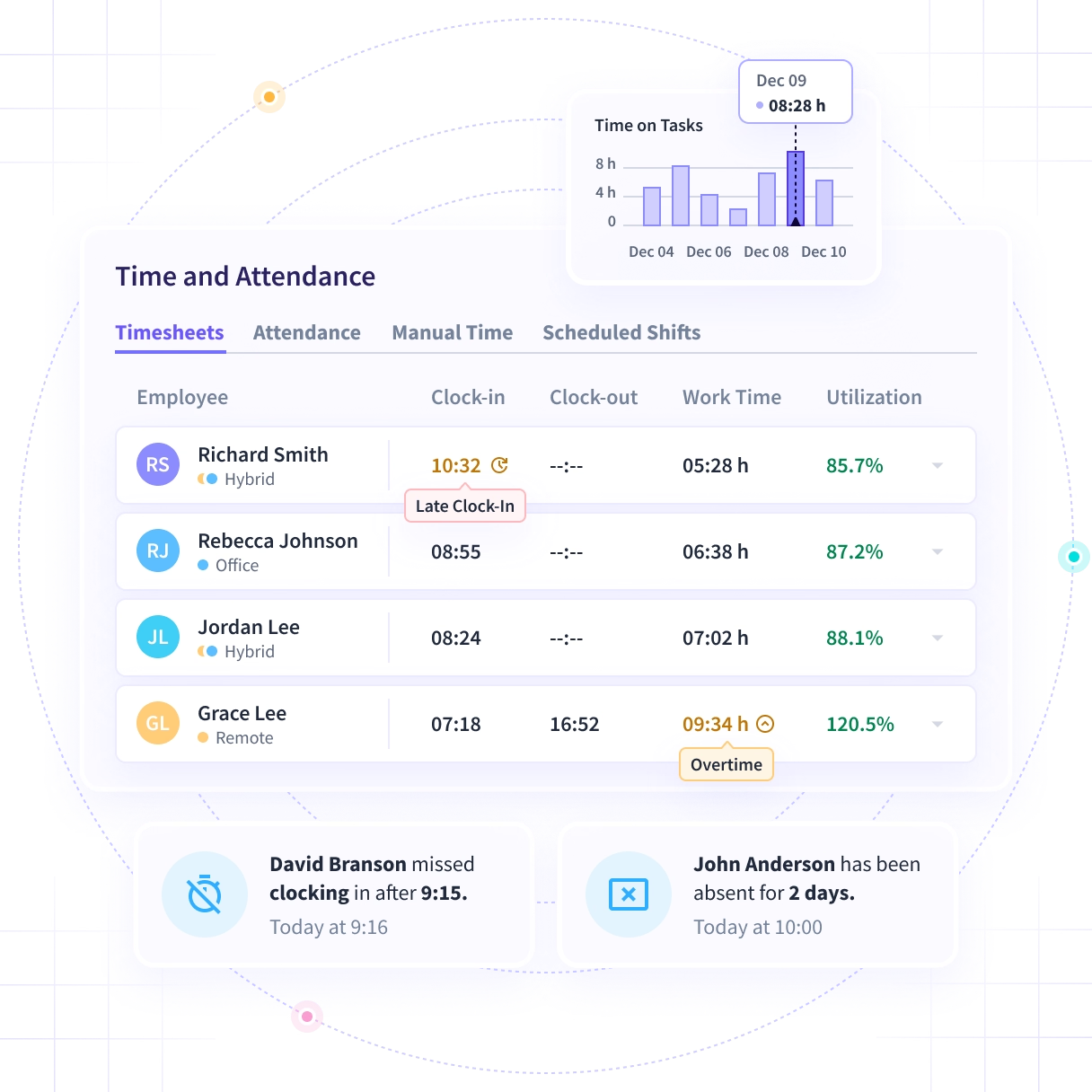


Somebody added Tuesday's hours on Friday
Nobody can say whether those hours happened. They reached payroll unreviewed anyway, and they are on the invoice a client is about to dispute.

Send payroll hours that were captured, not typed
Hours are captured from desktop activity, and anything added by hand routes to a named approver before payroll. Every entry carries a name and a timestamp.

Captured, not typed
Hours come from desktop activity as work happens, so the sheet is assembled through the week rather than remembered on Friday afternoon.

A name on every addition
Work done off-device still has to be added by hand. That addition routes to a named approver before it counts toward payroll.

An edit you can trace
Every entry, edit and approval lands in a record no user can alter, carrying the actor, the timestamp and the values before and after.

One record, two destinations
The same approved hours go to the payroll run and to the client invoice, so the two never have to be reconciled against each other.
See every hour, and approve the ones nobody captured
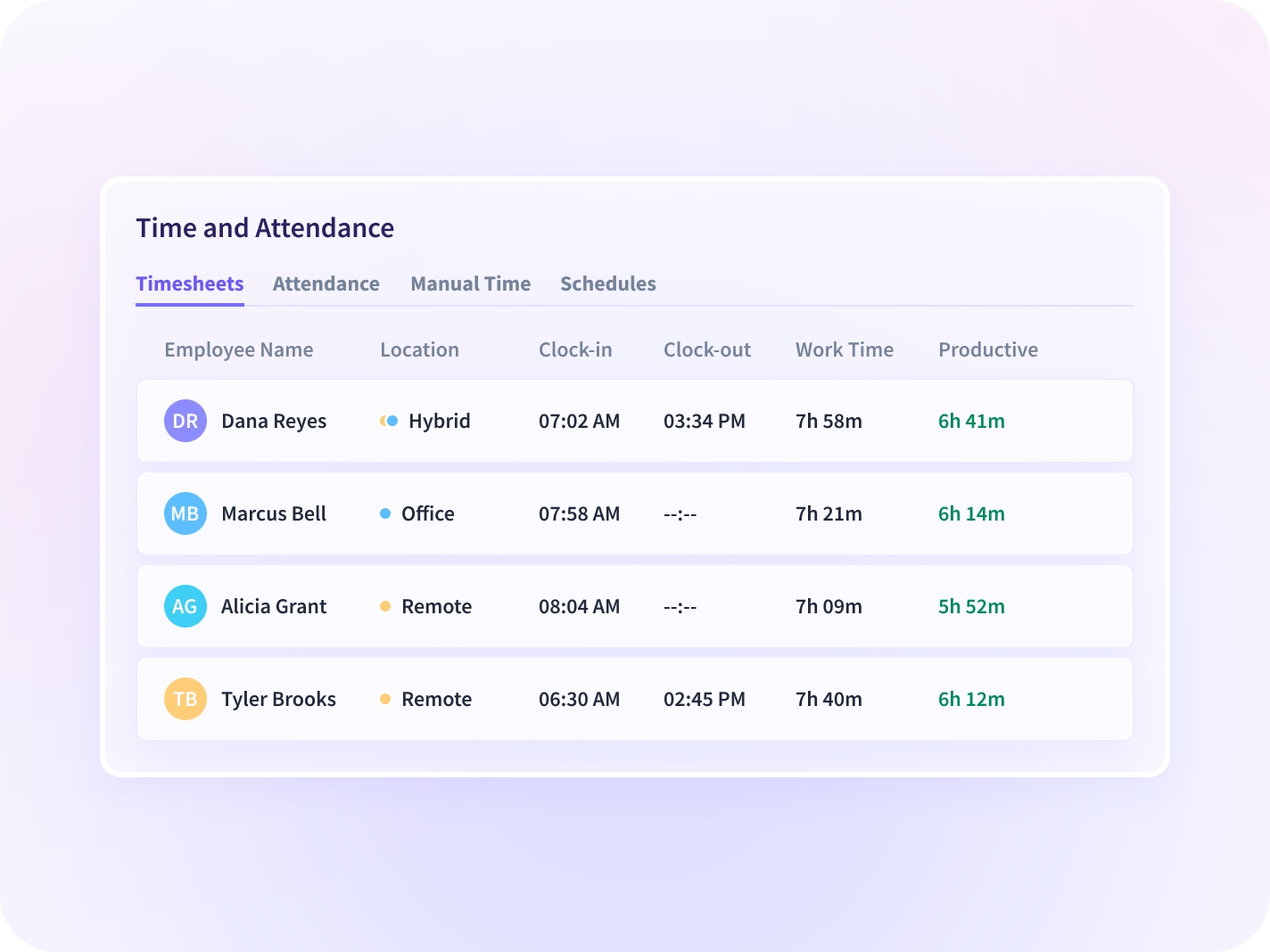
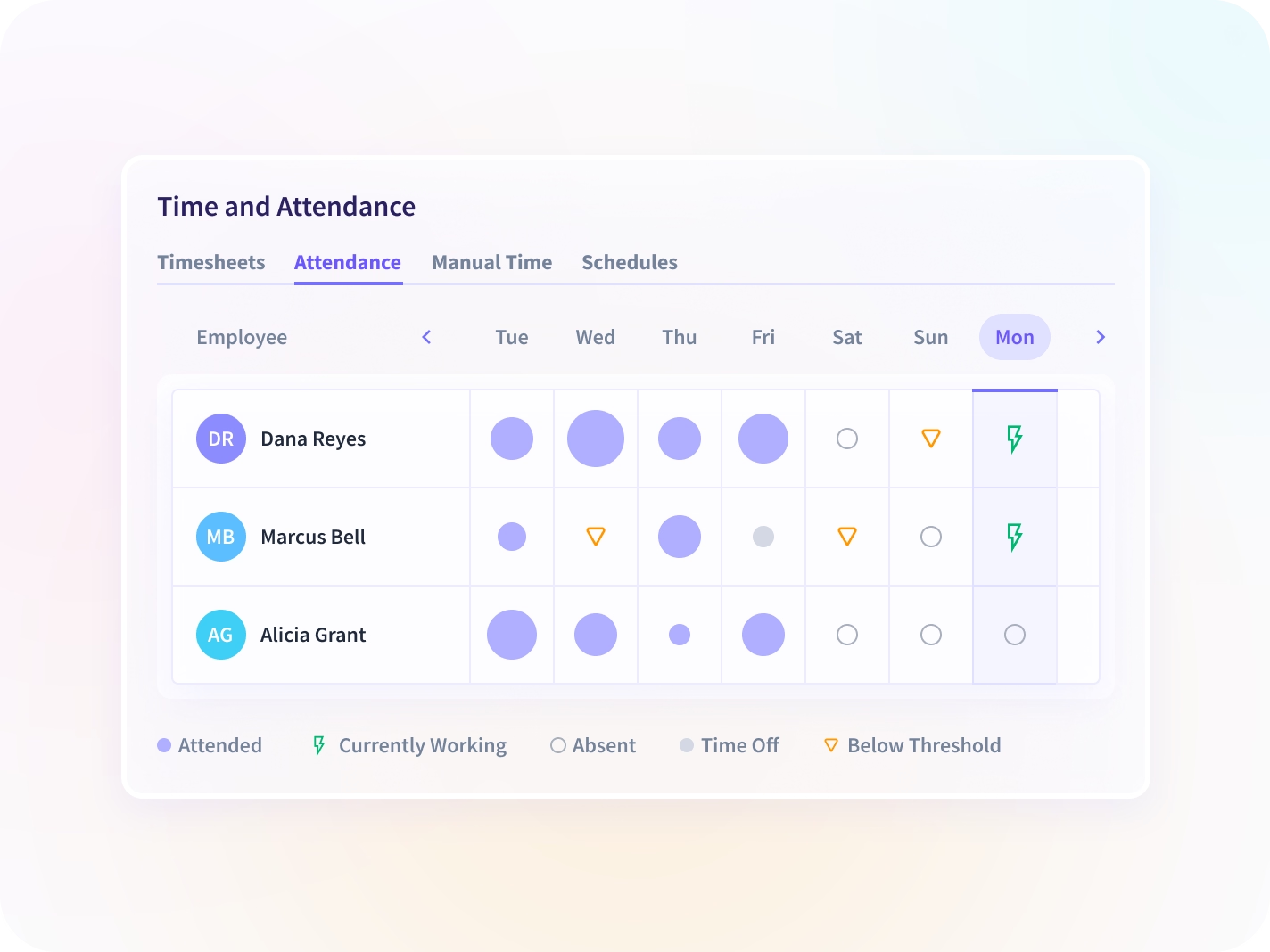
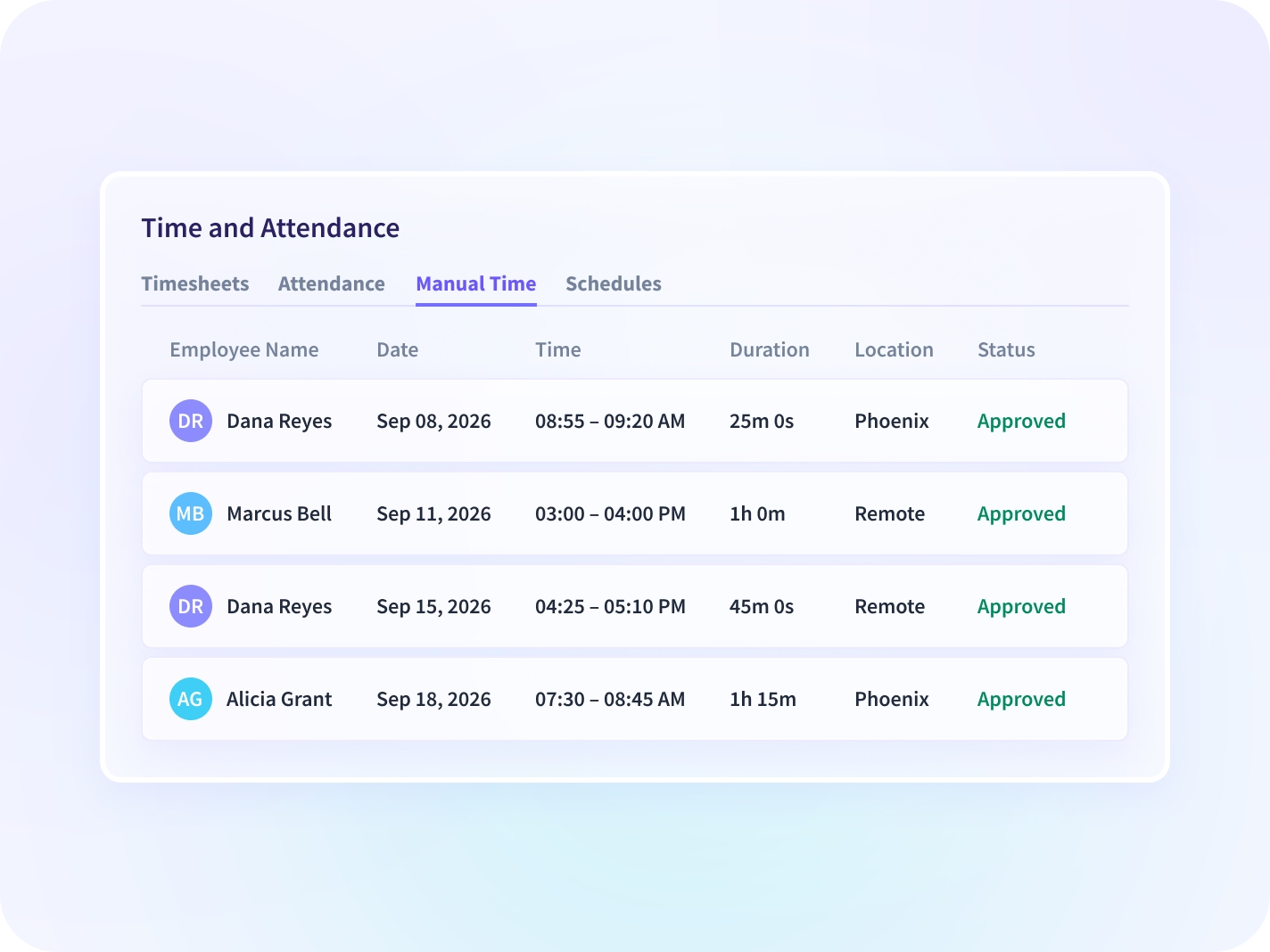
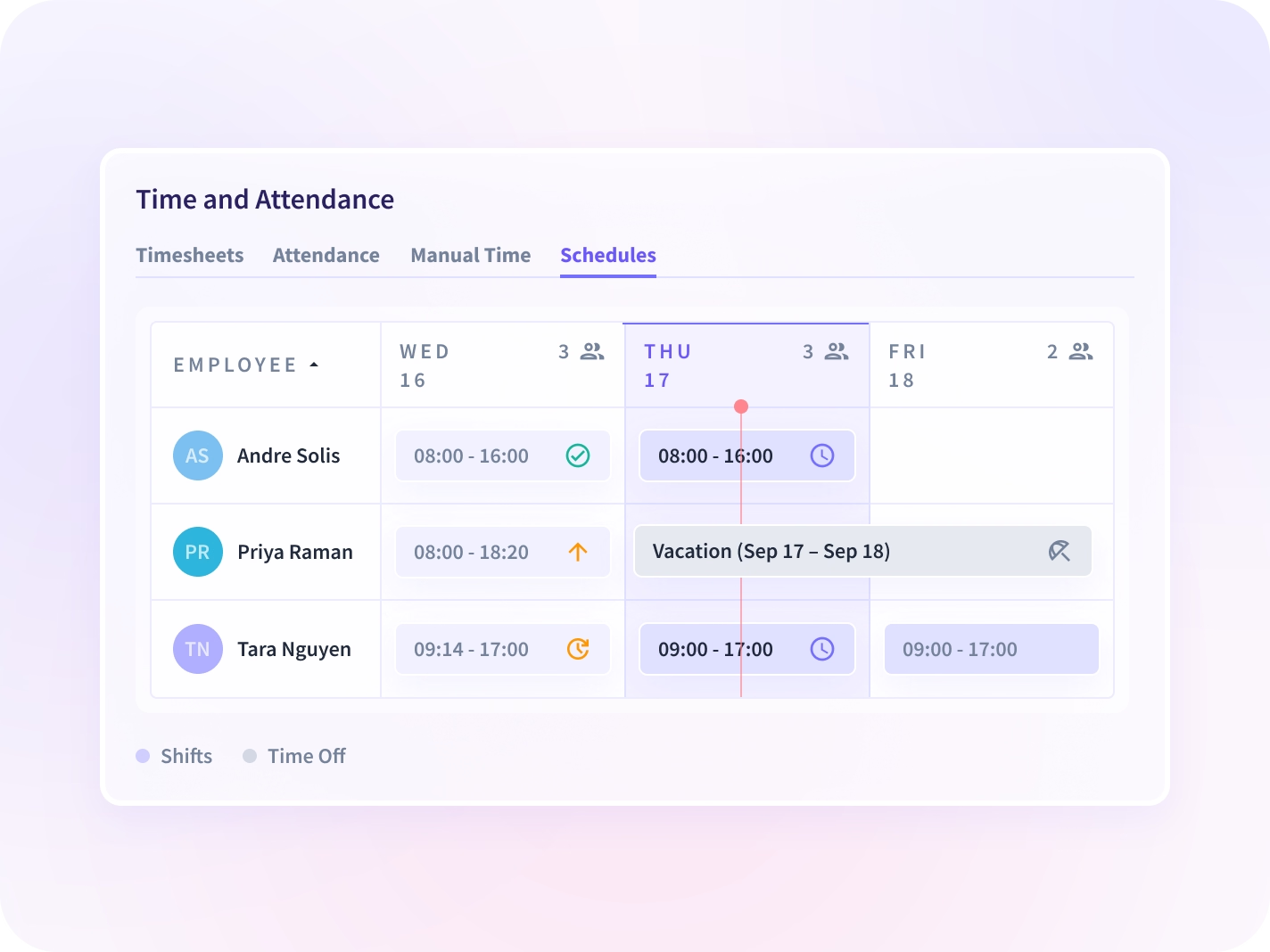
Timesheets assemble the hours, Attendance shows who is working, and Schedules set the shifts they are measured against. Manual Time is where an hour added by hand gets an approver's name before it reaches payroll.


Captured hours and approved manual time sit on one sheet, mapped to the project and task each belongs to, and a scheduled summary reaches payroll before the run.


Clock in, clock out and break time are captured as they happen. You can see who is working right now by team or by site, and an absence with no time-off record is flagged.


Nothing added by hand reaches payroll without a person's name on it. Manual blocks stay flagged apart from captured time, and every approval sits in a record no user can alter.


Shifts are built against synced PTO and leave, someone off schedule with no approved absence is flagged the same day, and scheduled coverage compares against the hours captured.
Every hour you send arrives with its record attached
One approved hour can settle more than payroll. Add the record behind it, the invoice it prices and the capacity it proves, and the same number answers four questions instead of one.

Audit Logs
Every approval, edit and settings change recorded with the actor and the values that changed, in a record no user can alter

Activity Logs
The session behind a disputed block, reconstructable in order rather than from memory. Enterprise plans.

Billing & Invoicing
The same approved hours go to the invoice, so what a client is billed and what payroll pays share one record.

Capacity & Headcount Planning
Approved hours read as utilization, so next quarter's staffing is priced against what the last one took.

Operations
Coverage today, utilization this week and overtime flagged before the run closes, in a delivery owner's currency.

Workforce Visibility
One read of where the hours went across every team, with captured and approved time underneath.
Nobody rebuilds the Friday reconciliation again
The Friday reconciliation against a shared spreadsheet
Confirm coverage per team and per site while the shift is still running, with an absence flagged the same day.
Coverage and utilization
The invoice defended from memory
Answer a client query with a record: every hour either captured automatically or approved by a named person.
Billing disputes closed and payroll accuracy
The second source of truth for who is available
Build schedules against PTO and leave that sync from the HRIS, so nobody maintains availability twice.
Policy you can defend
The file an auditor asks for, with its edits intact
An auditor's question is rarely about the hours that were captured. It is about the one that was added by hand, and the answer here is a name, a timestamp, and the values before and after.



Proven impact across real organizations


Send payroll hours you can stand behind
Hours export to payroll, PTO and leave sync back
50+ integrations, including ADP, PayFit, Workday, BambooHR, and Sage HR, with payroll and HRIS systems first and project systems second.


FAQ
Time and attendance software records when employees start, pause and finish work, and turns those records into payroll, billing and scheduling decisions. Insightful captures those hours from desktop activity rather than from self-reported entry: measured as work happens, not reconstructed afterwards. Work done away from the computer still has to be added by hand, and here that addition arrives flagged as manual, with a named approver and a timestamp on it.
Yes, and it is the one addition nobody can make quietly. Any employee can add time for work done off-device, and every manual entry routes to a named approver before it counts toward payroll. The entry stays flagged as manual, and the approval sits in the audit trail under that approver's name.
Yes. Hours export to payroll systems including ADP, PayFit and Workday, and PTO and leave status sync back from Workday, Microsoft Entra ID or Zoho, so nobody maintains availability in two places.
Yes. Shifts are built against synced availability, and someone off schedule with no approved time-off record is flagged the same day rather than at reconciliation. The flag is a prompt to ask, not a verdict: a missing time-off record is sometimes just a missing record.
For desk-based work, yes. Hours are captured as work happens and assembled into a timesheet automatically, with manual entries added only for work done off-device. Roles without a primary computer still need a separate method.
Time is captured on the device and syncs when it reconnects, carrying the same audit record as any other entry. Nothing gets reconstructed from memory on Friday afternoon.
Fewer hours pass through a keyboard, which is where the errors get in. The hours that still need adding by hand route to a named approver first, so payroll and the client invoice read off the same record. When an auditor asks about one of them, the answer is a name and a timestamp rather than a reconstruction.


